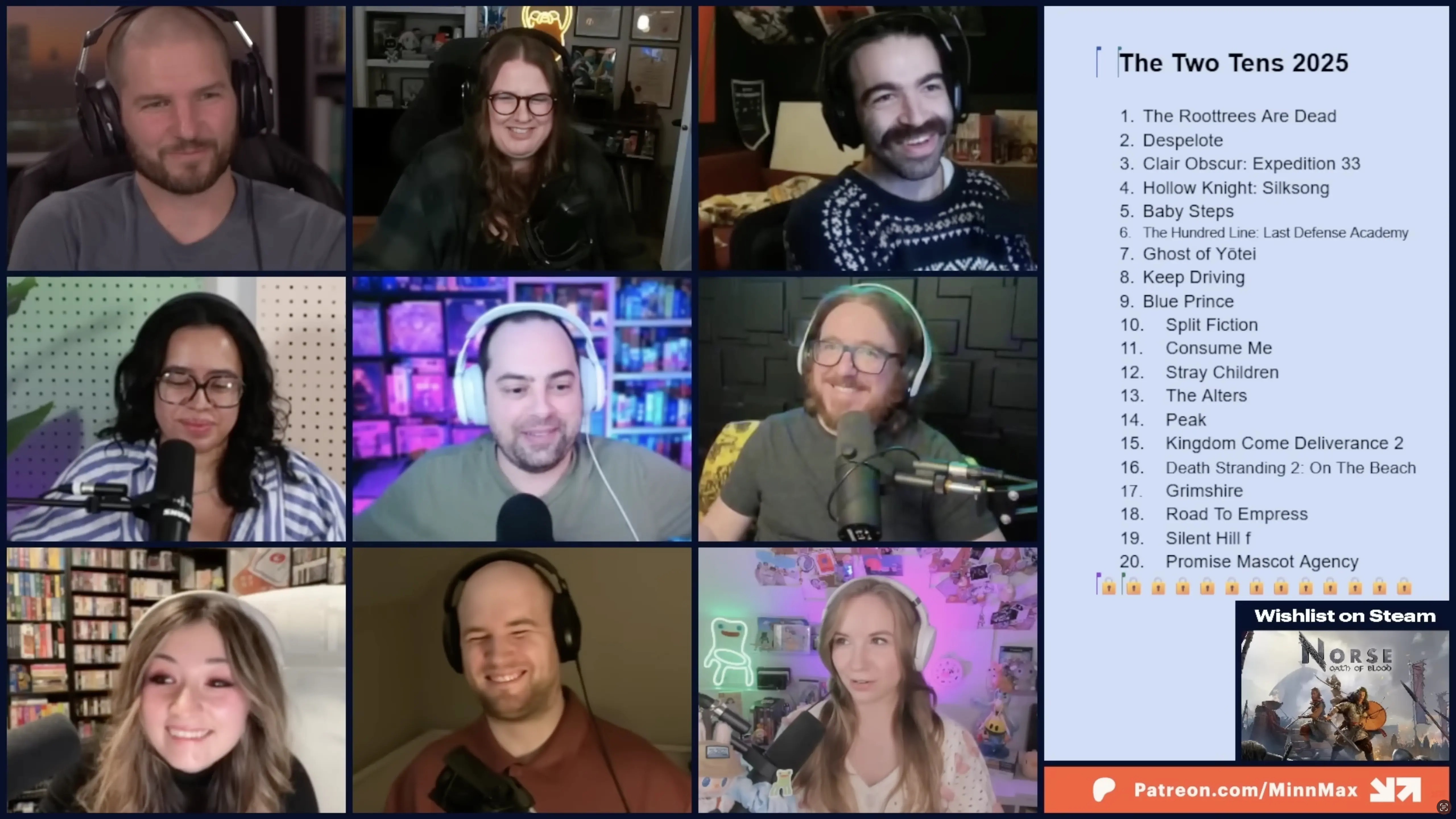
MinnMax during last year's Two Tens discussion.
I love The MinnMax Show. Some smart, positive, cool ex-Game Informer employees and YouTubers do a two-ish hour gaming news show weekly. I’m a Patron, so I get a private podcast feed of every episode, but the show’s better in video. I like seeing footage of new games as they’re discussed.
I tried subscribing to YouTube Premium to download episodes for offline viewing, but YouTube for iOS is a bad podcast app. It resets your playback speed after restarting - a capital crime for a podcast app.
So I dug through the help docs of my favorite podcast app, Pocket Casts, and found it actually supports video for subscribers. Tremendous feature.
Unfortunately, Pocket Casts has no API for adding videos to your account. Nor does YouTube have an easy way to download files outside the app. So, I got creative.
Behold YouTube Podcast Handler. It’s a simple Node.js script that does three things:
- Downloads a video with yt-dlp
- Converts it to be iOS-friendly with ffmpeg
- Uploads it to Pocket Casts with Puppeteer
The installation guide is on the repo. You’ll need Node, yt-dlp, and ffmpeg. You’ll also want to sign up for Pocket Casts premium. I recommend springing for the Patron tier. It’s pricey, but your max file upload size jumps from 1 GB to 5.
I would also recommend signing up for Pushover. It’s a great service, especially here. You can start a video download, walk away, and get notified on your phone when it’s done. If that’s not appealing, feel free to fork my project and delete that code.
Downloading is fairly straightforward only thanks to the tireless work of the yt-dlp maintainers. That program is fantastic and simplifies downloading YouTube videos tremendously.
Converting the video with ffmpeg is necessary to play the video on iOS. Pocket Casts will let you upload any .mp4 within the size limit, but only videos encoded properly will actually play in app.
To add the video to Pocket Casts, the Node script actually opens a browser window using Puppeteer. This library is normally for end-to-end testing, but download-video.js uses it to click through Pocket Casts’ public-facing website and upload the video file.
The final process is simple. Download a video from the command line:
node download-video.js '<videoUrl>' '<videoName>'Once it finishes, open your phone. Go to Pocket Casts > Profile > Files and download the new file. Play it, and open the now playing screen. Tap the video to make it full screen.
Final Thoughts
If you use this tool, please please please do not spam Pocket Casts’ website. Don’t be a jerk.
Also, don’t use this to not support creators. MinnMax keeps podcast downloads of certain YouTube episodes as a Patreon benefit. Although this project means I don’t need my private Patreon feed to download those episodes, I will remain a supporter, because the show is good and they deserve it.